AIOps and self-healing IT explained: how modern support stops outages before they start
AIOps is the use of AI and automation to make sense of a flood of IT signals and act on them. Self-healing IT takes the next step by detecting and automatically resolving common problems, often before anyone notices. Together, they can help businesses move from reacting to IT incidents after they happen to identifying and addressing issues before they become disruptive.
Most businesses already have some form of IT monitoring. Systems watch servers, networks, applications and cloud environments and generate alerts when something goes wrong. But there’s a major problem: modern IT estates can generate an enormous number of alerts.
A single underlying issue might trigger dozens or even hundreds of separate warnings across different systems. Traditional monitoring listens to these and tells you that something’s happened. A human then has to work out what the alerts mean, identify the underlying cause and decide what to do about it. And frankly, nobody’s got time for that.
AIOps improves that process by using artificial intelligence (AI) and automation to analyse large volumes of IT data and identify relationships between events. Instead of treating every alert as a separate problem, an AIOps platform can correlate signals across different parts of the environment. An application slowdown, for example, might be connected to a network issue, a cloud resource reaching capacity or a failing underlying service. The idea is to cut through the noise and help IT teams focus on the real issue rather than chasing individual symptoms.
Self-healing IT takes this a step further. Where a problem is well understood and the appropriate response is safe and repeatable, automation can take action without waiting for someone to intervene. A service can be restarted, a resource can be reallocated or another pre-approved remediation can be triggered automatically.
The simplest way to think about the difference is that monitoring tells you something broke, but self-healing fixes it by itself before your users feel the effects. That doesn’t mean you’re handing complete control of your IT environment to an AI system. Effective self-healing depends on carefully defined rules, appropriate safeguards and human oversight where an automated action could have significant consequences.
Why does AIOps matter to your business?
The case for AIOps is primarily to do with reducing the business impact of IT problems. An outage can mean employees can’t access the systems they need. Customers may be unable to use a service. Transactions could be interrupted. Staff across your business lose time while IT teams investigate what’s happened.
There’s also the less visible cost of disruption: reducing the amount of firefighting your IT team needs to do. AIOps can identify emerging problems earlier, prioritise the issues that matter most and reduce the amount of manual investigation involved in routine incidents. Self-healing can then remove some of the repetitive work altogether.
The result? Fewer disruptions, less downtime and less time spent reacting to problems that could have been prevented or resolved automatically. For organisations worried about the cost of IT downtime, understanding where their most expensive or disruptive failure points occur is a useful starting point. The right automation should address those risks rather than being introduced simply to jump on the AI bandwagon.
What does AIOps and self-healing look like in practice?
The technology may sound abstract, but the principle is actually quite straightforward.
Imagine an organisation with applications running across its own infrastructure and multiple cloud services. A performance problem develops in one application. Traditional monitoring might produce separate alerts relating to the application, server, network and cloud environment. An IT team may have to work through each alert individually to establish what’s actually happening.
AIOps can correlate those signals and provide a more complete picture. Instead of presenting a long list of apparently unrelated problems, it can help identify the underlying event connecting them. That means an IT team can spend more time addressing the actual cause and less time wondering which alerts to investigate first.
The next stage is automation. Suppose the organisation regularly experiences a particular service failure and the appropriate response is known, tested and low risk. Rather than waiting for someone to receive an alert and manually restart the service, a self-healing workflow could identify the problem and carry out the pre-approved remediation automatically.
Another example might be capacity. If monitoring shows that a particular resource is consistently approaching a threshold, AIOps can help identify the pattern before performance deteriorates significantly. That can allow the organisation to take action before users experience an outage.
Of course, modern IT environments also extend beyond traditional infrastructure. You might have data coming from cloud services, applications, operational technology and connected devices. Bringing those signals together can give support teams a broader view of what’s happening across the environment.
That’s where our own LiveTrace platform can help, bringing observability and proactive monitoring together to help identify issues and understand what’s happening across an IT environment. Incidentally, the technology is there to support better decisions and safer automation, not to create an impressive dashboard for the sake of it.
It is worth knowing that the term is starting to be used the other way round, too. As businesses roll out Copilot and other AI agents, AIOps can also mean keeping watch over the AI itself: what it costs, which data it can reach and whether it behaves as expected. LiveTrace covers that side as well, with AIOps for the AI agents you deploy.
AIOps only works on good foundations
There’s a temptation to see AIOps and self-healing as the automatic next step after adopting AI, but it’s not. Automation is only as reliable as the information and processes underneath it. If a business lacks good visibility over its IT environment, poor-quality or incomplete data can lead to poor conclusions.
The same applies to automated remediation. If you allow automation to act on problems it doesn’t fully understand, the result could be worse than the original incident. That’s why observability is so important. Before asking what you can fix automatically, you need to understand what’s happening across your IT environment. You need reliable data, appropriate monitoring and clear processes for deciding which actions can safely be automated.
Governance matters, too. Not every incident should be allowed to trigger an automatic response. A sensible approach is to automate the predictable and low-risk stuff first, while keeping a human in the loop for anything consequential. In other words, self-healing IT should make an organisation safer and more resilient, not just make it more automated.
Where should your business start?
You don’t need to automate everything all at once. Try beginning with the problems that cause the most disruption or consume the most support time. Good observability can show where incidents keep happening, which systems are generating the most noise and where performance is beginning to deteriorate.
From there, you can identify the most common and predictable failure modes. Some may be suitable for automation immediately. Others may need better monitoring, clearer processes or further investigation first. The safest actions to automate are generally those that are well understood, repeatable and reversible. More consequential decisions should continue to involve an experienced IT professional.
Working with a managed IT support partner can help on this front. They can provide the monitoring, expertise and operational processes needed to identify opportunities for automation, while making sure those changes are introduced safely. For businesses looking to strengthen their IT support and gain better visibility of their technology environment, managed IT support can provide a foundation for taking a more proactive approach.
And because AIOps increasingly spans applications, infrastructure and cloud services, multi-cloud visibility can be an important part of understanding the environment as a whole. We’re not suggesting you should replace people with AI. Ultimately, it’s all about giving IT teams better information, removing unnecessary repetitive work and preventing more problems from becoming business-impacting incidents.
Moving from reactive IT to proactive support
The real promise of AIOps is that businesses can become better at seeing what’s happening across their technology environment, understanding the causes of problems and dealing with predictable issues before they become disruptive. For some, that may mean starting with better observability. For others, it may mean automating a handful of recurring incidents that currently consume valuable support time.
Either way, the end goal is the same: an IT environment that’s more visible, more proactive and less dependent on someone noticing a problem at exactly the wrong moment. To that end, self-healing IT gives automation a carefully defined role in keeping technology running reliably, while experienced people remain responsible for the decisions that matter.
AIOps and self-healing IT: frequently asked questions
-
What is AIOps?
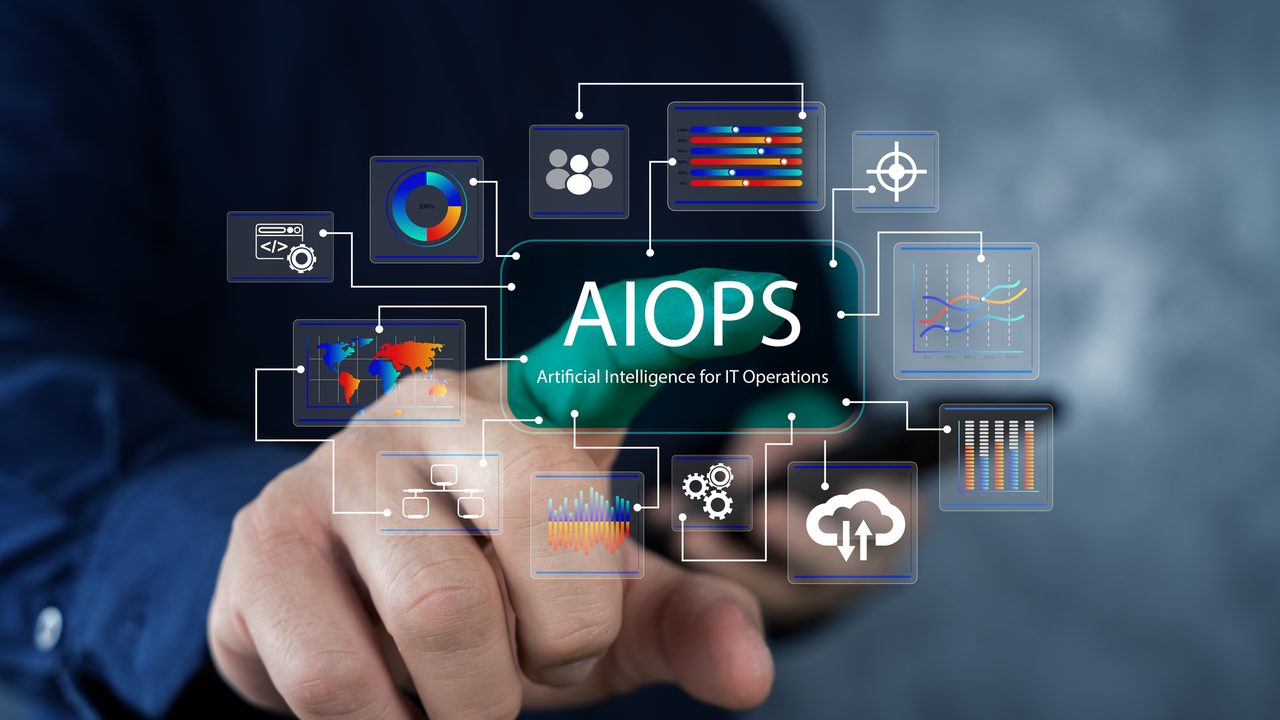
AIOps stands for Artificial Intelligence for IT Operations. It uses AI, automation and data analysis to process large volumes of IT information, identify patterns and relationships between events, and help IT teams detect and resolve problems more effectively.
-
What is self-healing IT?
Self-healing IT uses automation to detect known problems and carry out pre-approved remediation without requiring a person to intervene every time. It’s most effective for predictable, well-understood issues where the appropriate response is safe and repeatable.
-
Is AIOps the same as IT monitoring?
No. Traditional monitoring primarily detects and reports problems. AIOps goes further by analysing and correlating information from multiple sources to help identify the underlying cause and determine what action may be appropriate.
-
Does my business need AIOps?
Not necessarily. AIOps is most useful when an organisation has a sufficiently complex IT environment that the volume of information and alerts is becoming difficult to manage manually. It’s important to understand your biggest operational risks and recurring problems before you begin, rather than adopting AIOps just because it’s an emerging technology you feel you should be using.
-
Can AIOps monitor the AI tools we use, such as Copilot?
Yes. Most of this article is about using AI to run IT operations, but the term is also used for the reverse: monitoring the AI tools and agents a business has deployed, including their cost, data access and behaviour. Our LiveTrace platform offers this through its AIOps monitoring for AI agents.